
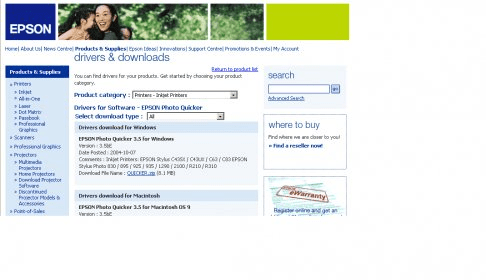
EPSON PhotoQuicker 3.5 is a freeware we can download from the Epson Website. It is mainly designed for some Epson Printer so we can print and edit, at a basic level, images or photos with different layouts. We can make some options available by combining this program with other Epson softwares like Exif2.2/DCF1.0 or later, EPSON PRINT Image Framer Tool and Epson PIFF DESIGNER. It runs under Windows XP, Me, 98, 95&2000, Mac OS 8.1 to 9.X and Mac OS X 10.2 or later. It allows us to print an image in a few steps. 1- We select an image in the Dialog Box either from our PC, our Epson printer's memory card or from our Scanner. 2- We edit the photo and make enhancements, including red-eye correction. 3- We can select paper size, paper type and printing options. We can also select to use frames but in order to do that we need to have Epson PIFF DESIGNER installed, and have some frames available. 4-We proceed to register the resulting image in the printer driver and go on printing it with our Epson printer.





Comments (1)